
Remove First / Last Page from PDF Easily
(2026 Step-by-Step Guide)
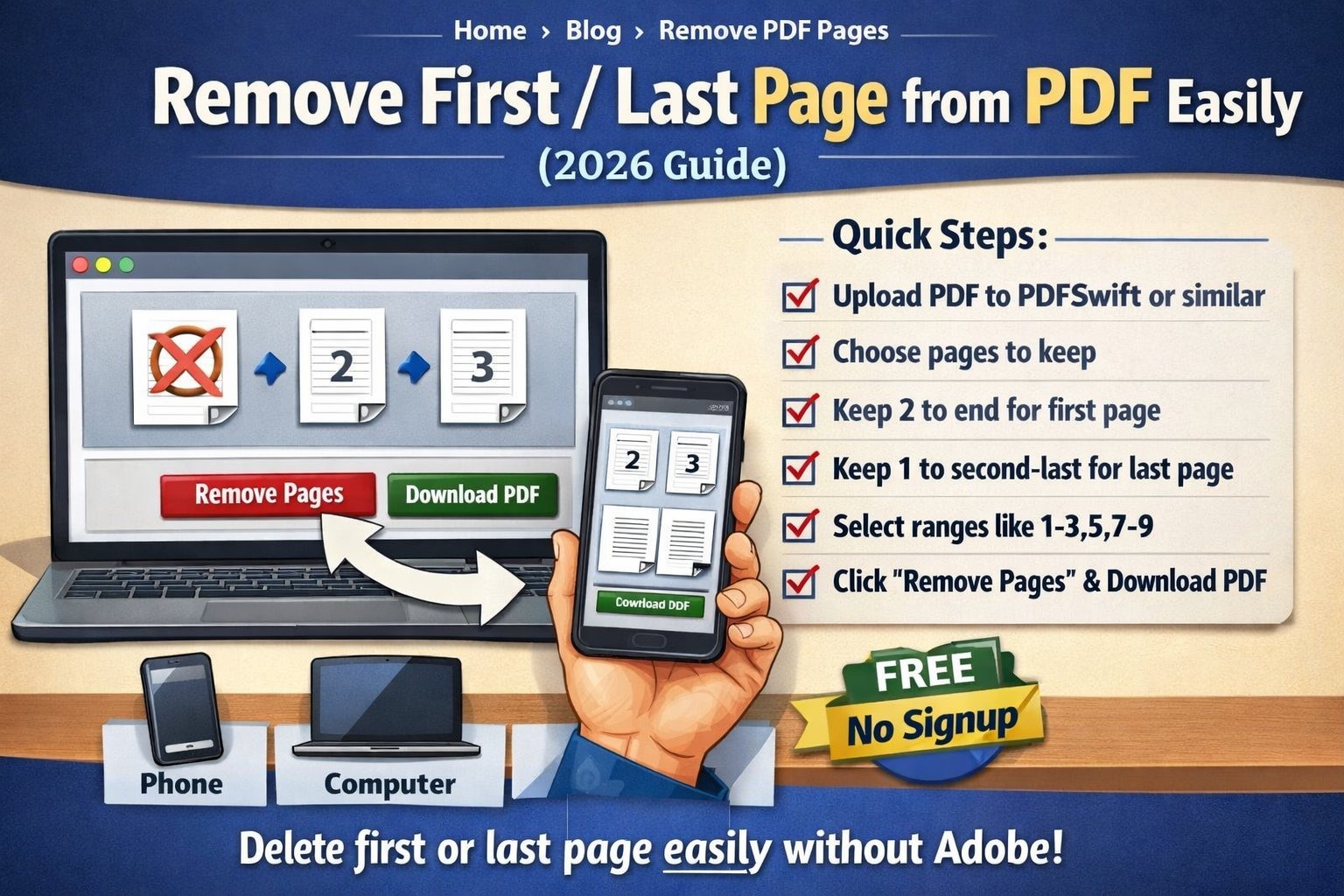
Got a PDF with an extra cover page or blank last page that needs to go?
You don't need Adobe Acrobat or any expensive software. Whether it's removing the first page from a scanned document, deleting the last page from a report, or cutting out multiple pages from the middle – it's free, takes 30 seconds, and works on your phone. Here's exactly how to do it.
Why Would You Need to Remove PDF Pages?
Remove cover pages
Scanned documents often have extra title pages you don't need.
Delete blank last page
Many PDFs end with an unnecessary blank page.
Remove confidential info
Delete pages with sensitive data before sharing.
Extract specific sections
Keep only the pages you need from a long document.
Fix scanning errors
Scanner added extra pages? Remove them in seconds.
Reduce file size
Removing pages makes the PDF smaller and faster to email.
Method 1: Using an Online PDF Page Remover (Easiest)
Works on any device. Phone, computer, tablet. No software installation needed.
Find a page remover tool
Open PDFSwift, iLovePDF, Smallpdf, or any PDF page remover. No signup needed.
Upload your PDF
Drag and drop or click to select your file. Wait for it to load (takes 2-3 seconds).
Choose pages to keep (or remove)
Most tools show thumbnails. Click pages to select, then hit delete. Or specify page ranges.
For first page only
Keep pages "2 to end". If your PDF has 10 pages, keep 2-10. First page is gone.
For last page only
Keep pages "1 to second-last". For 10 pages, keep 1-9. Last page deleted.
For multiple pages
Use ranges like "1-3,5,7-9" to keep specific pages. Everything else gets removed.
Download
Click "Remove Pages" or "Apply". Download your new PDF. Done.
Total time: About 30-60 seconds.
Method 2: Using Preview on Mac (Built-in, Free)
If you have a Mac, Preview can remove pages without any online tools. Works completely offline.
Note: Preview saves changes to the original file. Use "Save As" if you want to keep the original.
📄 Page Range Cheat Sheet
What you want
- Remove first page only
- Remove last page only
- Remove first 3 pages
- Remove last 2 pages
- Keep only pages 5-10
- Remove pages 3 and 7
What to type (for 10-page PDF)
- 2-10
- 1-9
- 4-10
- 1-8
- 5-10
- 1-2,4-6,8-10
Pro tip: Most tools let you type ranges with commas and hyphens. "1-5" means pages 1 through 5. "1,3,5" means pages 1, 3, and 5 only.
The Privacy Issue Nobody Talks About
Here's the thing. When you use most online PDF tools, your file gets uploaded to their server.
They say "deleted after 1 hour." Probably true. But still. Your contract, your personal stuff sat on someone else's computer.
Two kinds of tools:
- Server-based: Upload file → Their server processes → Download. Your file left your computer.
- Browser-based: File stays in your browser → Processed locally → Never uploaded.
For sensitive docs: Use browser-based tools like PDFSwift. Your files never leave your device.
Tools That Actually Work (Free, No Adobe)
PDFSwift
Browser-based • No upload • Free
Remove pages locally. Files stay in browser. Works on phone.
iLovePDF
Online • Free • No limits
Easy to use. Uploads to servers but deletes after.
Smallpdf
Online • 2/day free
Popular. Works well. Limits free users to 2 tasks per day.
Adobe Acrobat online
Online • Free with limits
Adobe's free online tool. Works but needs account sometimes.
Preview (Mac)
Built-in • Free • Offline
Already on your Mac. Works completely offline.
PDF24
Online • Free • No limits
German tool. Reliable. No daily limits.
Common Problems and Fixes
PDF is password protected
You need the password to remove pages. Some tools can't edit protected PDFs. Remove password first (if you know it) using PDF password remover tools.
Can't select multiple pages
Hold Ctrl (Cmd on Mac) while clicking pages. Or use page range input if the tool has it.
Pages are images, not text
Doesn't matter. Page removal works on any PDF, whether it's scanned images or text. The tool doesn't care what's on the page.
File too large to upload
Use a browser-based tool that processes locally – no upload means no file size limit. PDFSwift works this way.
Removed wrong page by accident
Most tools don't undo. Keep the original file saved separately. If you messed up, start over with the original.
PDF has interactive forms
Removing pages from form PDFs might break form fields. Test on a copy first. Some tools preserve forms, some don't.
Questions People Actually Ask
Can I remove the first page of a PDF for free?
Yes, completely free. Tools like PDFSwift, iLovePDF, and Smallpdf let you delete pages without paying. No signup required. Just upload, select pages to keep, and download. Takes 30 seconds. Some tools limit how many you can do per day (Smallpdf gives 2 free), but others like PDFSwift and iLovePDF have no limits.
How do I delete the last page of a PDF?
Upload your PDF to any page remover tool. You'll see thumbnails of all pages. Either click the last page and hit delete, or specify the page range to keep. For example, if your PDF has 10 pages and you want to remove the last page, keep pages 1-9. Some tools let you type "1-9" in a "keep pages" field. Download the result.
Will the page numbers stay correct after removing pages?
Yes, the PDF renumbers automatically. If you remove page 1, the old page 2 becomes the new page 1. The page numbers you see in the PDF viewer will update correctly. However, if the document has printed page numbers (like "Page 1 of 10" in the header), those won't change – they're part of the content, not the actual page numbering. But the document structure renumbers properly.
What if I need to remove multiple pages from the middle?
Same process. Most tools let you specify ranges like '1-5,8,10-15' to keep only certain pages. Or you can select multiple thumbnails while holding Ctrl (Cmd on Mac) and delete them all at once. Some tools also let you type in the specific page numbers to remove. For example, "remove pages 3,5,7-9" works in many tools.
Is it safe to upload sensitive PDFs to remove pages?
For sensitive documents (tax returns, contracts, IDs), use browser-based tools that process locally – files never leave your device. PDFSwift does this. Other tools upload to servers and delete after processing (usually 1-2 hours). That's fine for non-sensitive stuff, but for confidential documents, stick with local processing tools. Preview on Mac is also completely offline and safe.
Can I remove pages on my phone?
Yes, works on iPhone and Android. Open any online PDF tool in your mobile browser. Upload from your phone storage or cloud. Select pages to remove. Download back to your phone. Takes about a minute. Some tools have apps, but the mobile website usually works fine. PDFSwift works on mobile browsers without any app download.
What Actually Matters
- Remove first page: Keep pages "2 to end"
- Remove last page: Keep pages "1 to second-last"
- Remove multiple: Use ranges like "1-5,8,10-15"
- Privacy matters: Use browser-based tools for sensitive docs
- Takes 30 seconds. Don't overthink it.
- Keep original: Save a copy before removing pages
Remove PDF Pages Right Now
Upload your PDF. Remove first page, last page, or any pages in between. No Adobe, no signup, no uploads to servers. Works on phone and computer.
Files stay in your browser • No uploads • Free forever